$79one-time payment
instead of $99Full access to Guitar to MIDI, forever
No subscription, no renewal
1 active session per user
Google sign-in
Updates included
Real-time and offline transcription. Notes and chords — straight into your DAW, no special pickup or guitar required.
Windows · standalone & VST3
Drag the slider to blend between the guitar sound and the MIDI instrument it drives.
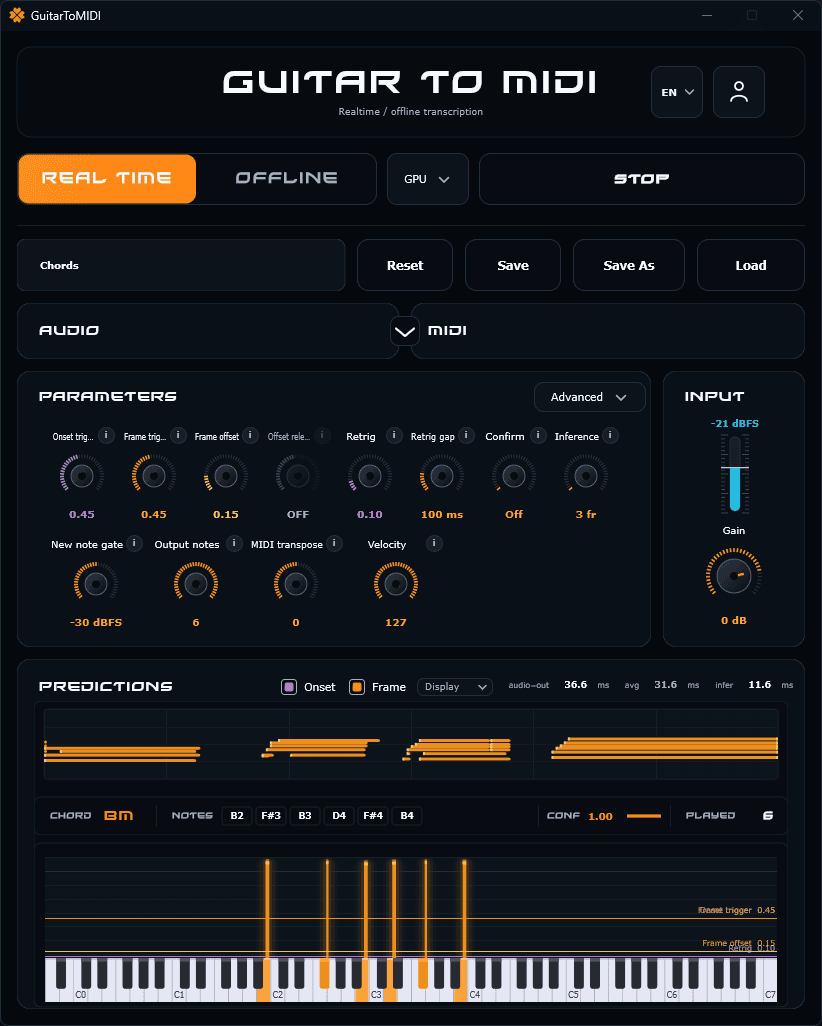
Switch between live performance and file transcription in one click.
Onset, gate, sanitizer, hold: transcription adapts to your playing, not the other way around.
Chords, Monophonic — save one setting per situation and reload it.
Run it standalone or straight inside your DAW as a VST3. Standard MIDI, compatible with every software and hardware synth.
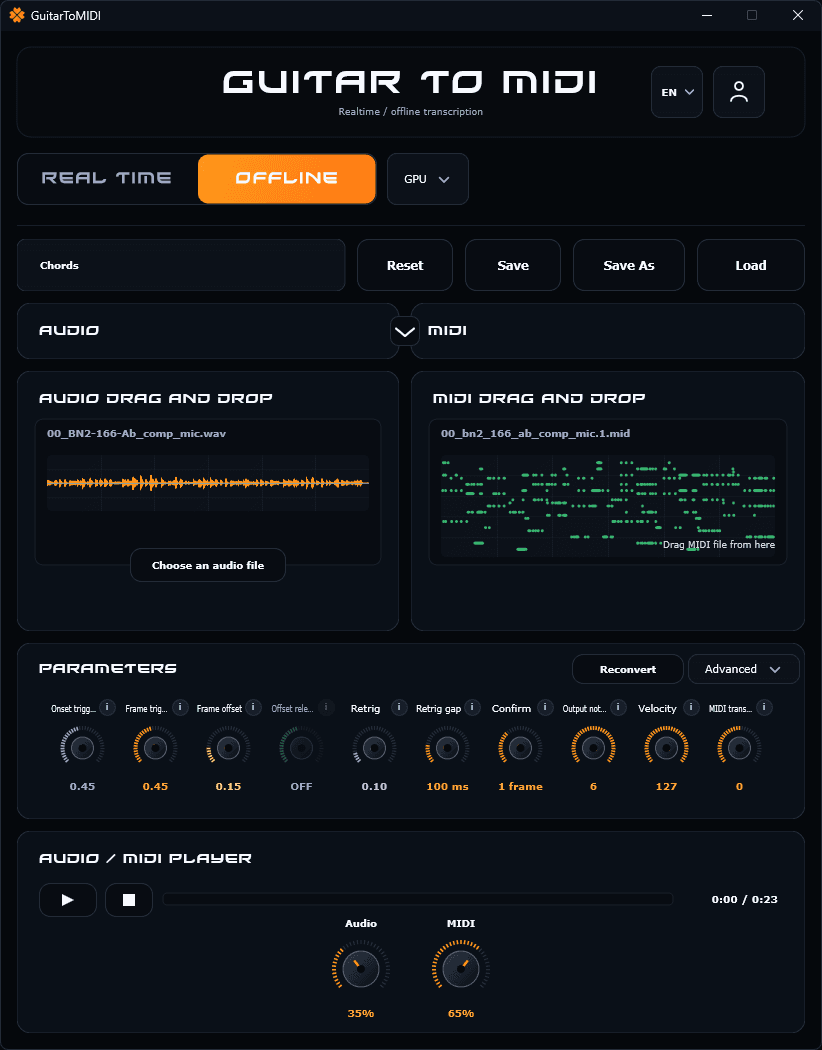
Drop an audio file into the window: the model converts it to MIDI, no need to re-record the take.
Grab the MIDI file from the right-hand panel and drag it straight into your DAW.
Play the take and the MIDI render together, with a volume balance between the two.
Onset, retrig, velocity, transpose: the real-time parameters apply to offline too.
A lifetime license. No subscription, no renewal — pay once and the app is yours.
What is coming in the next updates. Included in the license, at no extra cost.
Guitar to MIDI on Mac, as a standalone app and an AU plugin.
Host a VST instrument directly inside the app.
A model that detects the velocity of each note and updates it in real time. Already testable in beta in the app.
Missing a feature or have an improvement in mind? Write it here; you only need to sign in when sending.
The download is instant. Then, on the first login inside the app, we create a full 30-minute trial session. The timer starts at that moment, not at download time.
No. The download is direct and the trial starts on the first sign-in inside the app. The license purchase only comes after the trial.
For now, Guitar to MIDI is available on Windows. The displayed plans allow 1 active session per user.
On Windows, use an ASIO driver: the one provided by your audio interface, or ASIO4ALL / FlexASIO as a fallback. Standard Windows drivers (WASAPI, DirectSound) add noticeable latency in real time. Then lower the buffer size as far as your machine allows without crackling.
Yes, for personal or professional use, including commercial use and public performances, within the limits of the license you purchased.
No. The license is a one-time payment: nothing renews and there is nothing to cancel.
Fast Google sign-in — no credit card.
Install on Windows